Buying for a business or reselling? Ask for our volume pricing.
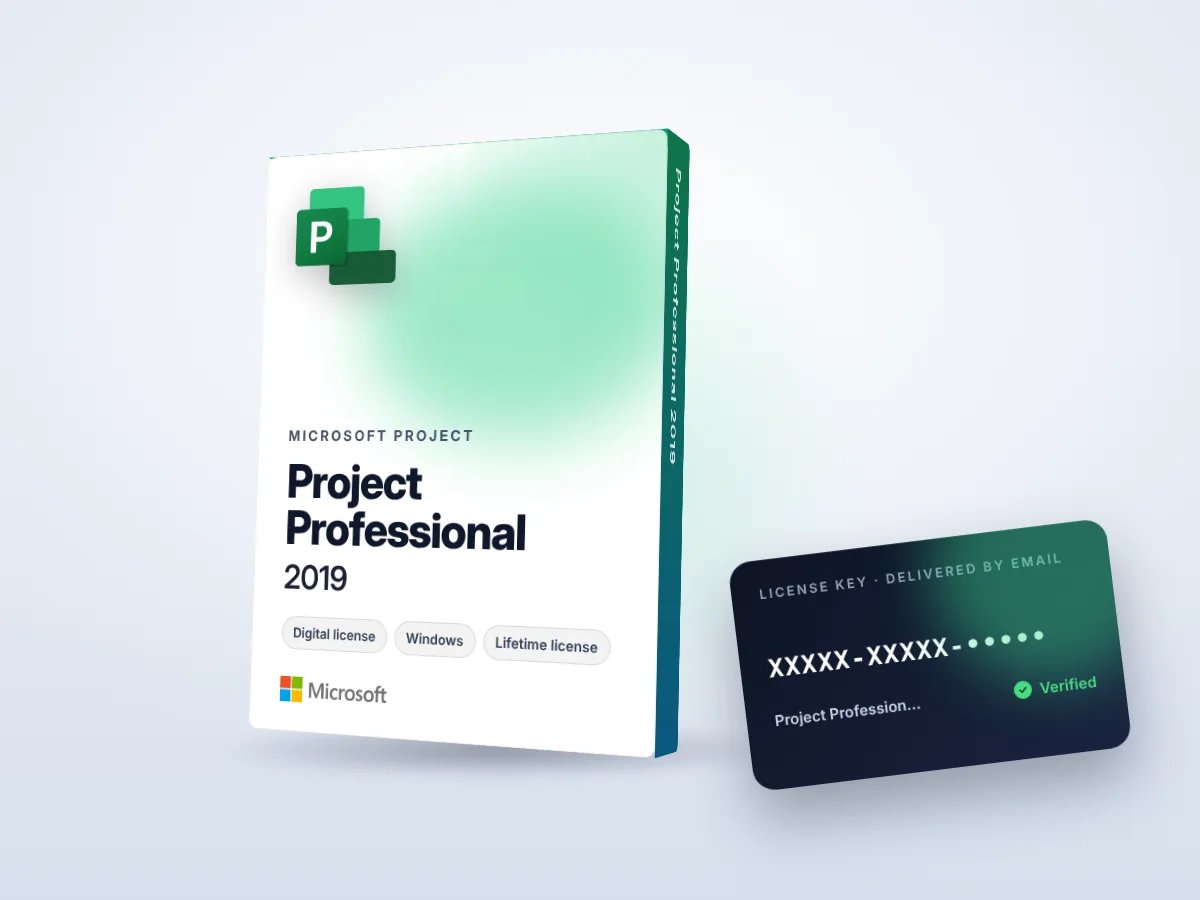
Project Professional 2019 — Product Key (Windows)
  • Genuine license checked before delivery
  • Sent by email usually within a few hours
  • Secure payment by Hotmart
  • Human support until it’s activated

Microsoft · Office & Microsoft 365

Project Professional 2019

Microsoft Project Professional 2019 for planning and tracking projects.

$19 $39Save 51%

We confirm availability and email you a secure payment link, usually within a few hours. Your license is sent right after payment.

Need 5+ licenses? Get volume pricing →

Good to know: Microsoft has ended support for this Office version (no more security updates). It still works, but for new installations we recommend Office 2024.

About Project Professional 2019

Project Professional 2019 is Microsoft’s professional project management software. Plan tasks, schedule work with Gantt charts, assign resources and track progress and costs for projects of any size.

Built for project managers, PMOs, construction and engineering teams and consultants.

What you receive with your order

  • A genuine Project Professional 2019 product key — Lifetime license · 1 PC
  • Delivery by email to the address used at checkout (usually within a few hours)
  • A step-by-step installation and activation guide
  • An invoice from OBH SOFTWARES LTD on request
  • Human support by email until the software is activated

Why buy Project Professional 2019 from OBH Softwares?

We have sold software licenses since 2017 to more than 5,000+ customers, from individuals to IT companies and resellers. Every license is checked before it is sent. If a key does not activate, we replace it or refund you.

Project Professional 2019 key features

  • Gantt charts
  • Resource management
  • Reports
PublisherMicrosoft
PlatformWindows
LicenseLifetime license · 1 PC
DeliveryEmail · digital

Project Professional 2019 system requirements

  • Windows 11 or Windows 10
  • 1.1 GHz or faster, 2-core processor
  • 4 GB RAM
  • 4 GB free disk space
  • 1280 × 768 screen resolution

Minimum requirements published by Microsoft. Check the publisher’s website for the complete list.

How to install and activate Project Professional 2019

  1. Uninstall any trial or older Office version
  2. Download and install Office using the link in your email
  3. Open Word or Excel
  4. Enter the product key when asked and confirm online activation

A detailed guide comes with your license. If anything goes wrong, reply to the delivery email and we help you until it’s activated.

Project Professional 2019 — frequently asked questions

Is this a one-time payment?

Yes. You pay once; there is no monthly fee for this license.

Can I get an invoice?

Yes. Reply to your order email with your company details and we will send an invoice.

What if the key does not activate?

Contact us with your order number. We help you activate it, and if the key is faulty we replace it or refund you.

Project Professional 2019$19
Order now